
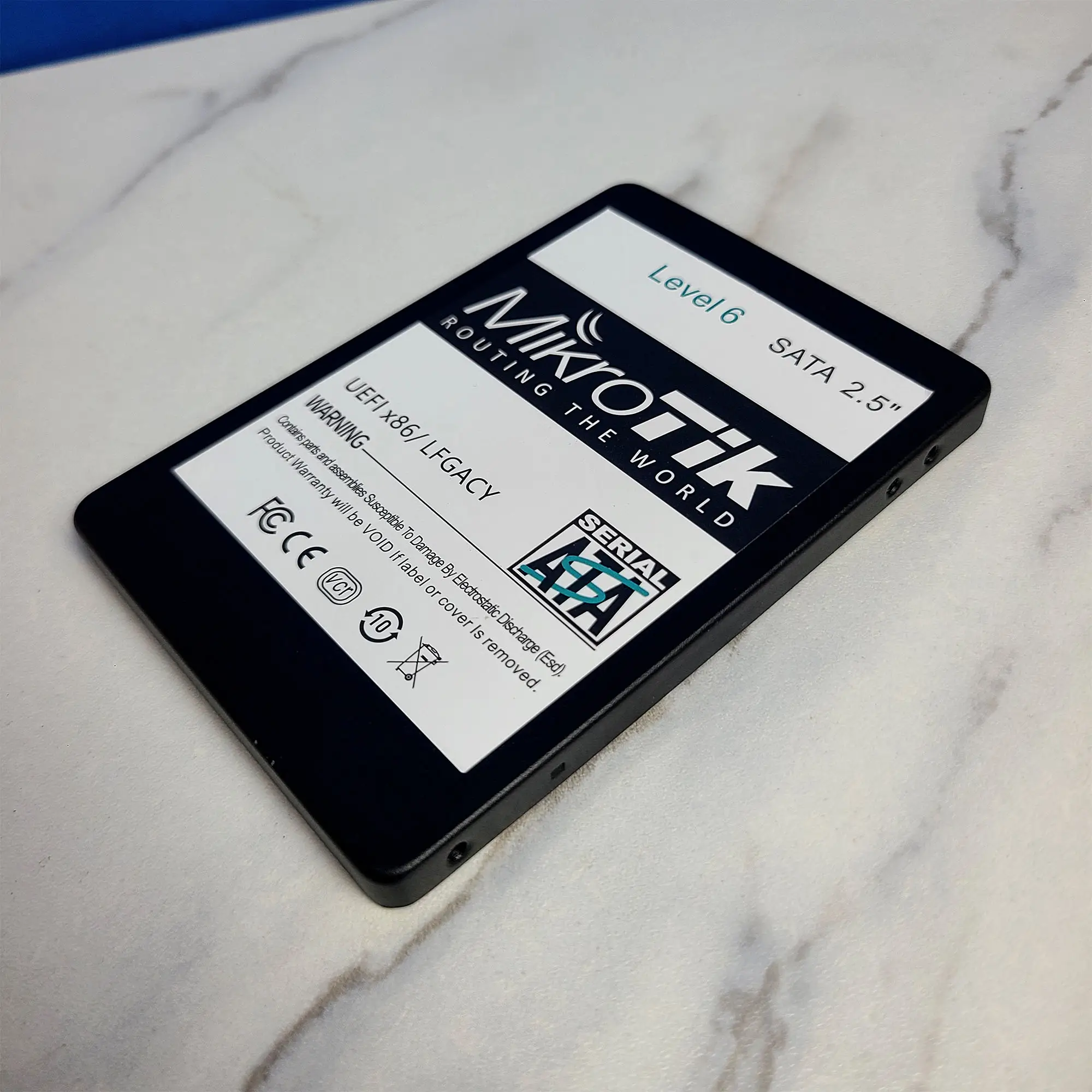
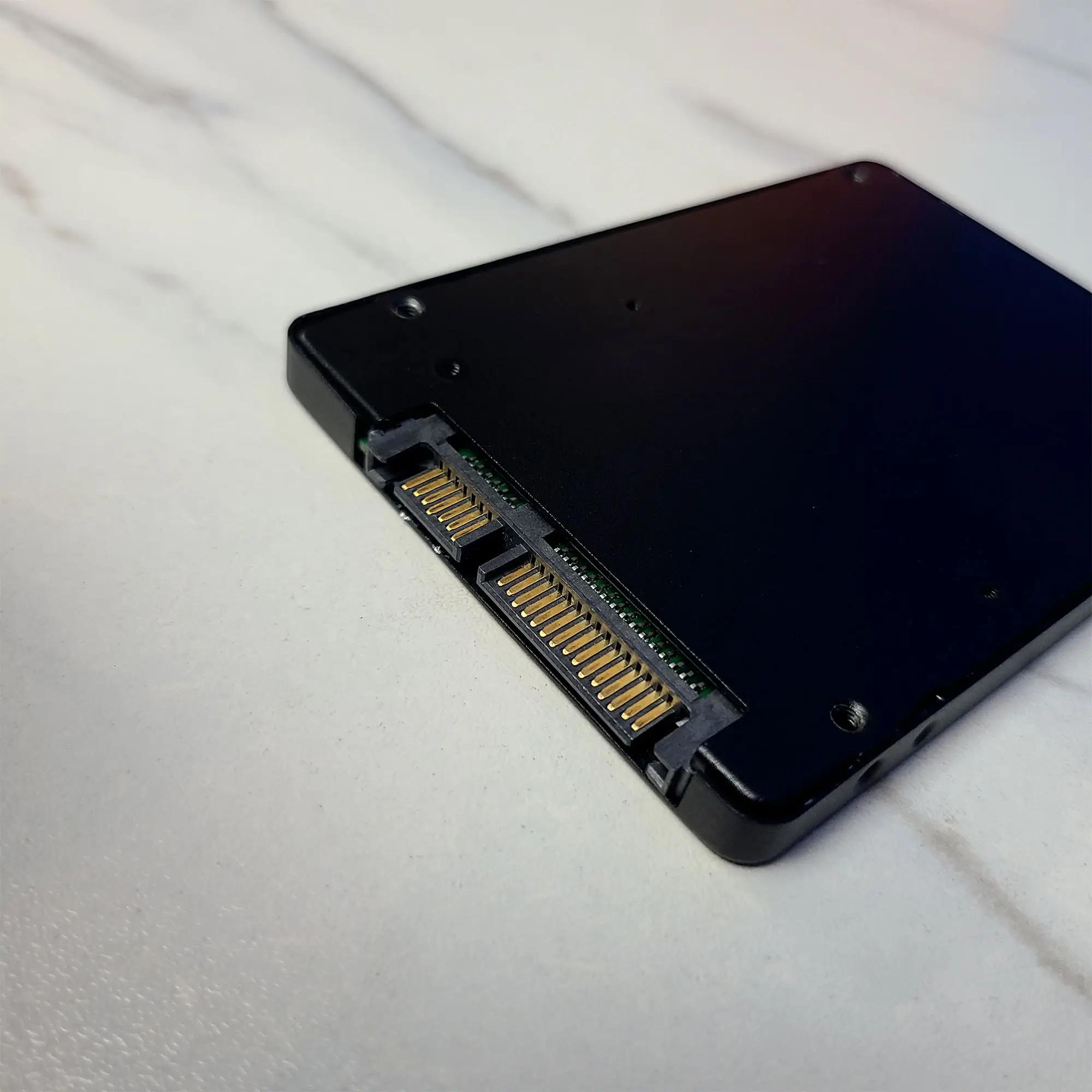
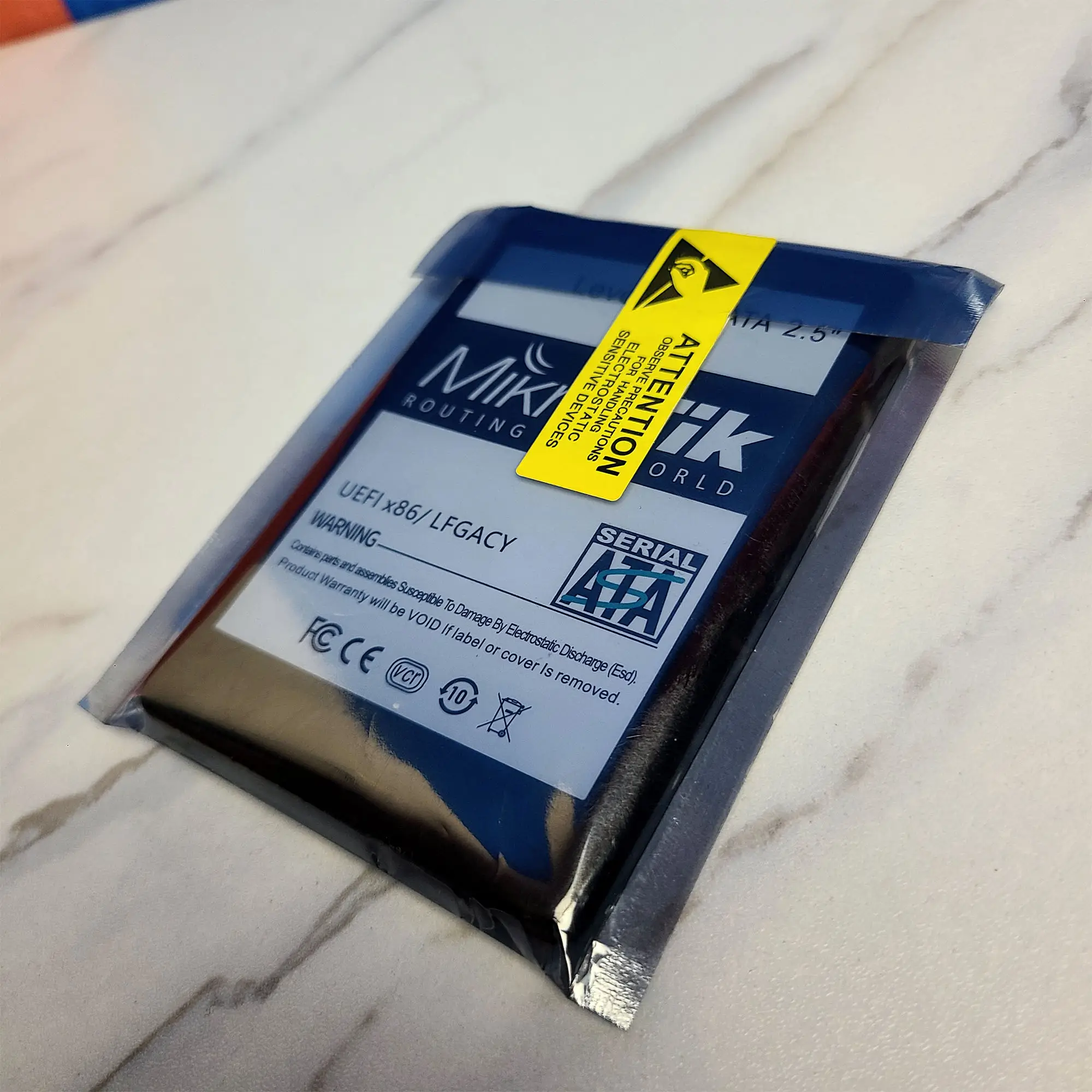

MikroTik RouterOS Level 6 License – x86 Router-এর জন্য High-Capacity Controller License
MikroTik RouterOS Level 6 License হলো PC-based x86 RouterOS installation-এর জন্য একটি perpetual software license, যা MikroTik-এর Level 6 Controller licensing tier হিসেবে পরিচিত। এটি বিশেষ করে এমন network deployment-এর জন্য ব্যবহার করা হয় যেখানে RouterOS একটি x86 PC/server platform-এ চালানো হচ্ছে এবং PPPoE, HotSpot, VPN tunnel বা User Manager-এর বড়-scale session capacity প্রয়োজন।
সহজভাবে বললে, আপনার কাছে যদি একটি suitable x86-64 PC বা server থাকে এবং সেটিকে MikroTik RouterOS-based router হিসেবে ব্যবহার করতে চান, তাহলে appropriate RouterOS license প্রয়োজন হবে। Level 6 সেই x86 RouterOS licensing-এর highest listed level এবং official documentation অনুযায়ী এর বিভিন্ন tunnel/user limits unlimited।
Important: RouterOS Level 6 একটি hardware upgrade নয়। এটি আপনার CPU, RAM, NIC বা storage-এর performance বাড়ায় না। বাস্তব network performance নির্ভর করবে আপনার hardware, NICs, storage, RouterOS configuration এবং network workload-এর ওপর।
Key Features
Level 6 Controller License
RouterOS Level 6 হলো MikroTik-এর x86 licensing model-এর Controller level। Official documentation অনুযায়ী Level 6-এ PPPoE, PPTP, L2TP, OVPN tunnels, HotSpot active users এবং User Manager active sessions-এর জন্য unlimited limits দেওয়া আছে।
অর্থাৎ, বড় ISP বা service-provider environment-এ license-level limitation যেন deployment-এর প্রধান বাধা না হয়—এই ধরনের requirement-এর জন্য Level 6 relevant হতে পারে।
Unlimited PPPoE Tunnels
ISP environment-এ PPPoE subscriber management একটি গুরুত্বপূর্ণ requirement। Level 6 license-এর official limit table-এ PPPoE tunnels unlimited হিসেবে উল্লেখ করা হয়েছে।
তবে এখানে একটি বিষয় মনে রাখা জরুরি—unlimited license limit মানেই unlimited real-world subscriber capacity নয়। কতজন active subscriber বা কত throughput handle করা যাবে তা CPU, RAM, NIC, packet rate, queues, firewall rules এবং overall configuration-এর ওপর নির্ভর করবে।
Unlimited VPN Tunnel Limits
Level 6-এর official license table-এ PPTP, L2TP এবং OVPN tunnels-এর limits unlimited দেখানো হয়েছে।
তবে supported protocol এবং practical VPN performance RouterOS version, configuration এবং hardware capability অনুযায়ী বিবেচনা করতে হবে।
Unlimited HotSpot Active Users
Captive portal বা HotSpot-based network deployment-এর ক্ষেত্রে Level 6 official license table-এ unlimited active users উল্লেখ করা হয়েছে।
Unlimited User Manager Active Sessions
যেসব deployment-এ MikroTik User Manager ব্যবহার করা হয়, Level 6 license-এর official table-এ User Manager active sessions-এর limit unlimited হিসেবে দেওয়া হয়েছে।
Perpetual License
MikroTik-এর x86 licensing documentation অনুযায়ী paid RouterOS licenses expire করে না এবং licensed router indefinitely ব্যবহার করা যায়।
অর্থাৎ এটি monthly বা yearly subscription হিসেবে design করা license নয়।
Technical Specifications
| Specification | Details |
|---|---|
| Brand | MikroTik |
| Product Family | RouterOS License |
| License Level | Level 6 |
| License Name | Controller |
| Product Type | Software License Key |
| Platform | x86 / x86-64 RouterOS |
| Architecture | 64-bit x86-64 host supported |
| PPPoE Tunnels | Unlimited |
| PPTP Tunnels | Unlimited |
| L2TP Tunnels | Unlimited |
| OVPN Tunnels | Unlimited |
| HotSpot Active Users | Unlimited |
| User Manager Active Sessions | Unlimited |
| Interface Limit | Unlimited |
| License Duration | Perpetual / Does not expire |
| License Identifier | Software ID |
| License Scope | Single x86 installation/system |
| Storage Binding | Software ID is bound to the x86 storage device/MBR |
| RouterOS Version Requirement | RouterOS v6.34 or newer according to current x86 licensing documentation |
| CPU Requirement | x86-64 architecture |
| Minimum RAM | 512 MB or more |
| Minimum Disk | 128 MB or more |
| UEFI Support | RouterOS v7 x86 supports UEFI |
| Legacy BIOS | Supported depending on installation/version/platform |
| CHR Compatibility | Not the same licensing model as CHR |
| Warranty | 1 Year |
Official MikroTik documentation specifies x86-64 architecture, at least 512 MB RAM and at least 128 MB disk for x86 RouterOS licensing. It also states that x86 licensing uses a Software ID associated with the storage device/MBR.
What Can RouterOS Level 6 Help You Build?
A Level 6 license can be relevant when deploying a custom x86 RouterOS system for environments such as:
- ISP routing
- PPPoE subscriber management
- HotSpot deployment
- VPN services
- Network gateway
- Traffic management
- Firewall and routing
- User Manager-based deployments
- Custom PC/server-based MikroTik router
- Network lab and advanced routing environments
কিন্তু license নিজে network capacity তৈরি করে না। যদি আপনার target হয় high-throughput ISP router, তাহলে license-এর পাশাপাশি CPU performance, NIC capability, RAM, PCIe architecture এবং RouterOS configuration carefully plan করতে হবে।
Benefits
1. Large-Scale License Limits
Level 6-এর সবচেয়ে গুরুত্বপূর্ণ বিষয় হলো official license table-এ বিভিন্ন major tunnel এবং session categories-এর unlimited limits। ISP বা service-provider deployment-এর জন্য এটি একটি গুরুত্বপূর্ণ licensing consideration।
2. x86 PC/Server Router Deployment
আপনি dedicated MikroTik RouterBOARD-এর পরিবর্তে compatible x86 hardware ব্যবহার করে RouterOS-based routing platform তৈরি করতে পারেন।
একটি suitable server/PC platform-এর সাথে compatible Network Interface Cards ব্যবহার করে multi-interface router configuration তৈরি করা সম্ভব।
3. Long-Term Licensing
Paid x86 RouterOS licenses perpetual, অর্থাৎ license-এর সাধারণ expiry date নেই।
4. ISP-Focused Deployment
PPPoE-based ISP network-এর ক্ষেত্রে Level 6-এর unlimited PPPoE tunnel limit বিশেষভাবে relevant হতে পারে। তবে actual subscriber capacity hardware এবং configuration-এর ওপর নির্ভর করবে।
5. Existing Infrastructure Reuse
যেসব organization-এর কাছে suitable x86 server/PC hardware already আছে, তারা dedicated RouterOS platform হিসেবে সেটি ব্যবহার করার কথা বিবেচনা করতে পারে।
Which Problems Can This Product Solve?
PC-Based Router Licensing Requirement
আপনি যদি একটি x86 PC/server-এ RouterOS install করেন, তাহলে trial period শেষ হওয়ার পর continued use-এর জন্য appropriate license প্রয়োজন হবে। Level 6 সেই x86 RouterOS licensing options-এর একটি paid level।
Large PPPoE Deployment
যেসব ISP environment-এ PPPoE tunnel licensing limitation একটি consideration, সেখানে Level 6-এর unlimited PPPoE limit relevant হতে পারে।
HotSpot Deployment
Large HotSpot deployment-এর ক্ষেত্রে Level 6-এর unlimited HotSpot active-user limit licensing perspective থেকে useful।
User Manager Session Requirements
User Manager active-session limitation নিয়ে কাজ করা deployment-এ Level 6-এর unlimited session limit relevant হতে পারে।
Use Cases
ISP Infrastructure
PPPoE subscriber management, routing, firewalling এবং traffic management-এর জন্য x86 RouterOS platform তৈরি করতে Level 6 বিবেচনা করা যেতে পারে।
তবে ISP-এর actual bandwidth requirement অনুযায়ী CPU এবং NIC selection অত্যন্ত গুরুত্বপূর্ণ।
Hosting Company
Hosting environment-এ routing, firewall এবং network gateway হিসেবে x86 RouterOS ব্যবহার করা যেতে পারে, যদি hardware ও network architecture appropriate হয়।
Enterprise Network
Enterprise environment-এ custom x86 routing platform বা specialized network gateway-এর প্রয়োজন হলে Level 6 একটি licensing option হতে পারে।
Network Lab
Advanced RouterOS routing, firewall, PPPoE এবং VPN configuration শেখা বা testing-এর জন্য x86-based RouterOS deployment তৈরি করা যেতে পারে।
Suitable Customers
এই productটি বিশেষভাবে বিবেচনা করতে পারেন:
- ISP
- Hosting Company
- Network Service Provider
- Data Center Operator
- System Integrator
- Network Engineer
- Network Administrator
- IT Infrastructure Provider
- Server Maintenance Company
- Enterprise Network Team
বিশেষ করে যারা x86 PC/server-এ RouterOS চালিয়ে high-capacity licensing চান, তাদের জন্য Level 6 relevant।
Real-World Configuration
একটি typical x86 RouterOS deployment এমন হতে পারে:
Internet / Upstream
↓
x86 Server / PC
↓
RouterOS Level 6
↓
Multiple Ethernet NICs
↓
Managed Network Switch
↓
ISP / Enterprise Network
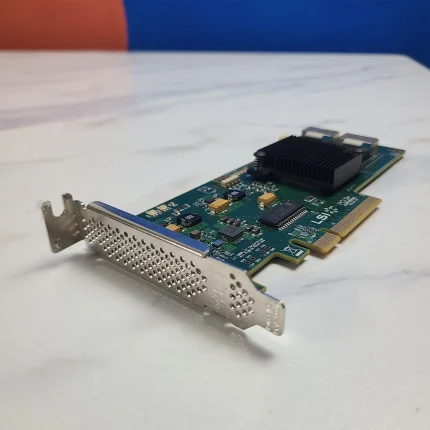
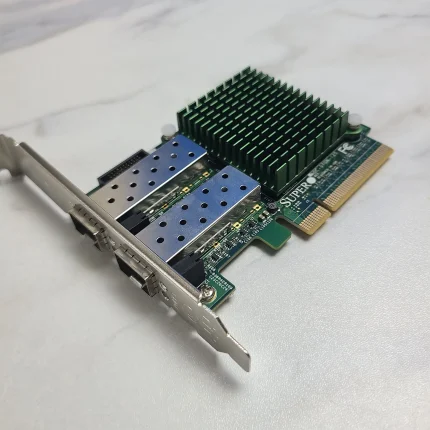
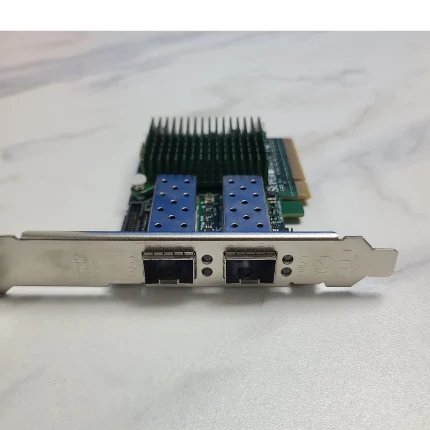
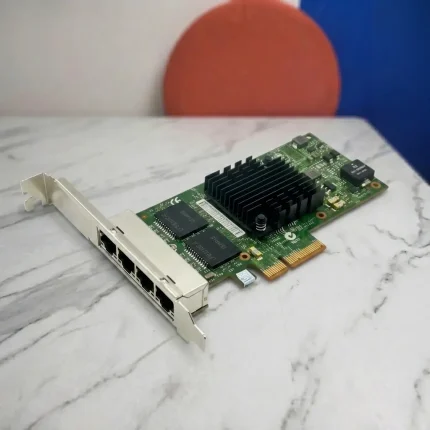
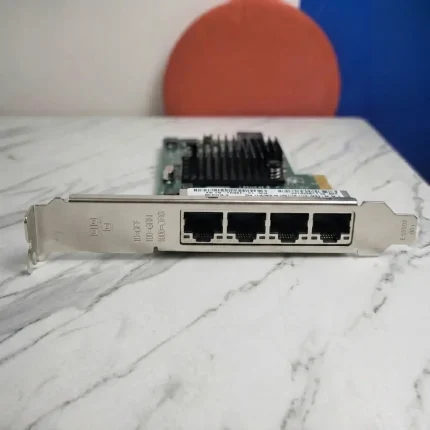
আপনার x86 router-এর port requirement বেশি হলে compatible Network Interface Card (NIC) ব্যবহার করা যেতে পারে।
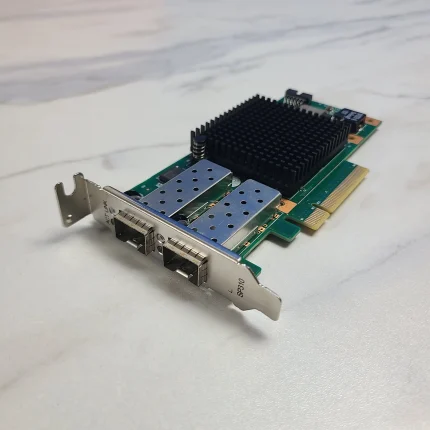
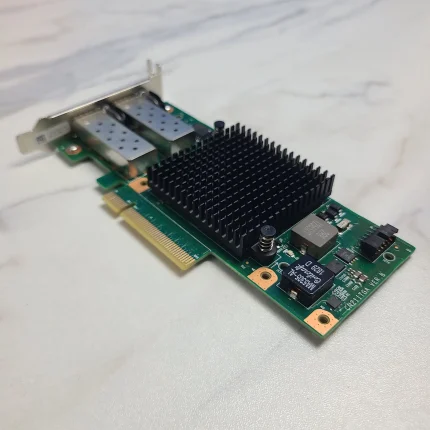
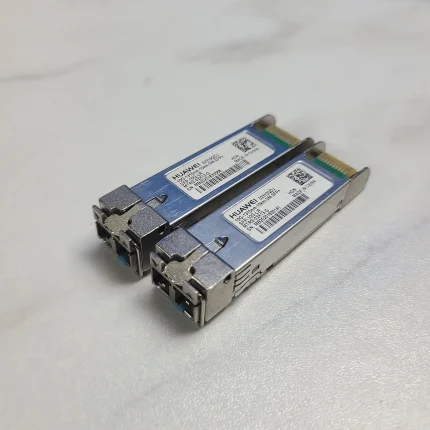
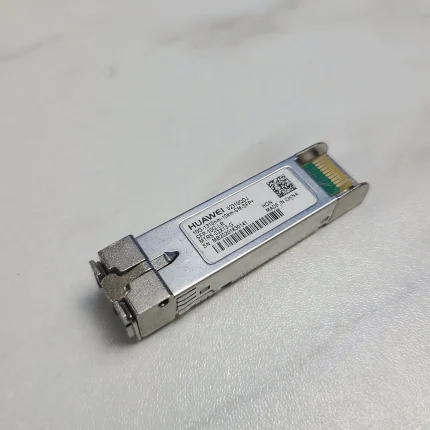
High-speed uplink প্রয়োজন হলে suitable 10GbE Network Card অথবা compatible higher-speed networking hardware নির্বাচন করা যেতে পারে—তবে motherboard-এর PCIe slot, lane availability এবং NIC compatibility আগে যাচাই করতে হবে।
যদি router hardware একটি rack-mounted server হয়, প্রয়োজন অনুযায়ী Server Accessories এবং অন্যান্য compatible components ব্যবহার করা যেতে পারে।
Compatibility
x86 Hardware Compatibility
RouterOS x86 installation-এর জন্য host system-এর x86-64 architecture থাকা প্রয়োজন। MikroTik-এর current documentation অনুযায়ী x86 RouterOS-এর জন্য minimum 512 MB RAM এবং 128 MB disk requirement রয়েছে।
তবে practical ISP deployment-এর জন্য শুধু minimum specification দেখে hardware নির্বাচন করা উচিত নয়।
আপনার workload অনুযায়ী CPU, RAM, NIC এবং storage নির্বাচন করা উচিত।
Software ID গুরুত্বপূর্ণ
x86 RouterOS license একটি Software ID-এর সঙ্গে associated থাকে। MikroTik documentation অনুযায়ী x86 Software ID storage device-এর MBR-এর সঙ্গে bound।
তাই license purchase বা activation-এর আগে Software ID verify করা অত্যন্ত গুরুত্বপূর্ণ।
Storage পরিবর্তনের ক্ষেত্রে সতর্কতা
Storage device পরিবর্তন করলে বা এমনভাবে re-image/format করলে যাতে Software ID নষ্ট হয়, license হারানোর ঝুঁকি থাকতে পারে। MikroTik specifically সতর্ক করেছে যে non-MikroTik tools দিয়ে drive format বা re-image করলে x86 license নষ্ট হতে পারে।
অর্থাৎ, license activate করার পর SSD/HDD replacement বা reinstallation করার আগে অবশ্যই licensing implications check করুন।
UEFI এবং Legacy BIOS
RouterOS v7 x86-এ UEFI boot support যুক্ত হয়েছে। MikroTik-এর documentation-এ RouterOS v7-এর নতুন feature হিসেবে x86 UEFI boot support উল্লেখ করা হয়েছে।
MikroTik-এর current x86 installation guidance-এ NVMe-based installation-এর ক্ষেত্রে USB installer-কে UEFI mode-এ boot করার নির্দেশনাও দেওয়া হয়েছে।
তাই নতুন server/PC platform ব্যবহার করলে BIOS/UEFI settings আগে check করা ভালো।
Important: RouterOS x86 vs CHR
RouterOS Level 6 x86 license এবং MikroTik CHR license একই licensing model নয়।
x86 RouterOS হলো PC/server hardware-এ RouterOS installation-এর জন্য, যেখানে licensing Software ID-এর সঙ্গে associated। অন্যদিকে Cloud Hosted Router (CHR) virtual machine environment-এর জন্য আলাদা licensing system ব্যবহার করে এবং System ID-এর ভিত্তিতে license management করে।
তাই আপনার requirement যদি Proxmox, VMware, Hyper-V, KVM বা cloud VM-এ RouterOS চালানো হয়, তাহলে order করার আগে x86 Level 6 এবং CHR licensing-এর মধ্যে সঠিক option নির্বাচন করা জরুরি।
Comparison: Level 4 vs Level 5 vs Level 6
| Feature | Level 4 | Level 5 | Level 6 |
|---|---|---|---|
| License Type | WISP | WISP | Controller |
| PPPoE Tunnels | 200 | 500 | Unlimited |
| PPTP Tunnels | 200 | 500 | Unlimited |
| L2TP Tunnels | 200 | 500 | Unlimited |
| OVPN Tunnels | 200 | Unlimited | Unlimited |
| HotSpot Active Users | 200 | 500 | Unlimited |
| User Manager Active Sessions | 20 | 50 | Unlimited |
| Typical Position | Smaller WISP deployment | Larger WISP deployment | Controller / high-capacity licensing |
The limits above are based on MikroTik’s current official x86 license-level table.
Important: এই table licensing limits compare করে; actual network performance compare করে না। Level 6 license ব্যবহার করলেও weak CPU/NIC বা unsuitable hardware থাকলে expected network performance পাওয়া যাবে না।
Relative / Compatible Products
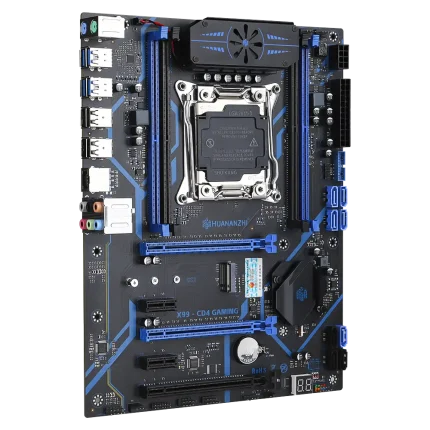
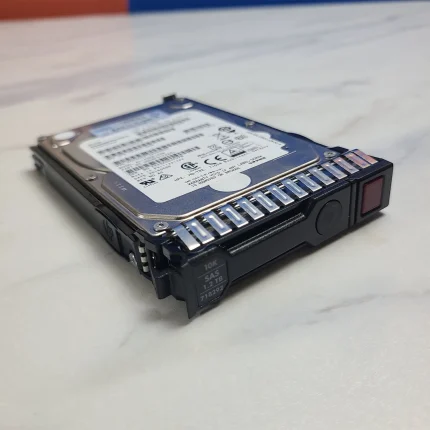
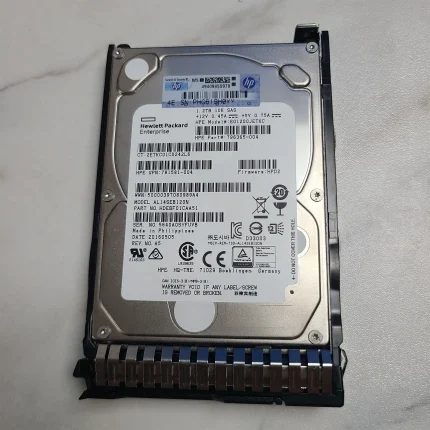
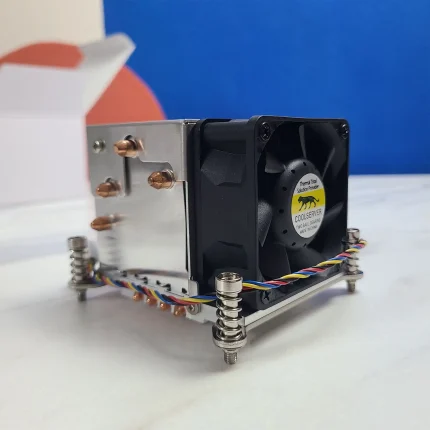
একটি complete x86 RouterOS setup তৈরি করার সময় requirement অনুযায়ী নিচের categories বিবেচনা করা যেতে পারে:
কোন component compatible হবে তা motherboard, PCIe slot, interface standard, workload এবং existing infrastructure-এর ওপর নির্ভর করবে।
Why Should You Use MikroTik RouterOS Level 6?
যদি আপনার requirement হয় x86 hardware-এ RouterOS চালানো এবং license-level limits-এর ক্ষেত্রে high-capacity deployment, তাহলে Level 6 একটি relevant licensing option।
বিশেষ করে:
- Large PPPoE deployment
- High-capacity HotSpot environment
- User Manager deployment
- Multiple VPN tunnel requirements
- Custom x86 router/server
- ISP network gateway
- Advanced routing/firewall platform
এর ক্ষেত্রে Level 6 licensing সুবিধা দিতে পারে।
তবে শুধু “Level 6” দেখেই hardware নির্বাচন করা উচিত নয়। আপনার expected subscriber count, traffic, packets-per-second, firewall rules, queues, VLANs এবং interface speed অনুযায়ী complete system design করা উচিত।
Bangladesh-Specific Buying Guidance
বাংলাদেশে ISP বা networking project-এর জন্য x86 RouterOS build করার সময় শুধু license কিনলেই কাজ শেষ নয়। আগে existing hardware এবং Software ID verify করা সবচেয়ে গুরুত্বপূর্ণ।
বিশেষ করে check করুন:
- আপনার system x86-64 কি না।
- RouterOS version কোনটি।
- Current Software ID কী।
- Software ID reboot-এর পর unchanged থাকে কি না।
- Router-এর জন্য কয়টি Ethernet interface প্রয়োজন।
- 1GbE, 10GbE বা তার বেশি interface প্রয়োজন কি না।
- Motherboard-এ প্রয়োজনীয় PCIe slot আছে কি না।
- CPU workload অনুযায়ী যথেষ্ট কি না।
- Storage stable কি না।
- ভবিষ্যতে SSD/HDD replacement করার পরিকল্পনা আছে কি না।
MikroTik-এর documentation অনুযায়ী defective বা unstable storage, incorrectly configured RAID এবং storage/controller পরিবর্তনের কারণে Software ID পরিবর্তিত হতে পারে। তাই license purchase-এর আগে Software ID stability check করা গুরুত্বপূর্ণ।
বাংলাদেশের ISP environment-এ যদি আপনি 1GbE-এর পরিবর্তে 10GbE uplink বা multiple NIC ব্যবহার করতে চান, তাহলে 10GbE Network Cards এবং switch-side compatibility-ও আগে verify করা উচিত।
Important Buying Considerations
Order করার আগে নিচের বিষয়গুলো অবশ্যই verify করুন:
- Exact Product: RouterOS Level 6 x86 license
- Platform: x86/x86-64
- Software ID: আপনার target installation-এর correct Software ID
- RouterOS Version: আপনার installation-এর supported version
- License Type: x86 RouterOS বনাম CHR যেন ভুল না হয়
- Storage: License-bound storage পরিবর্তনের implications
- BIOS/UEFI: Existing hardware-এর boot mode
- Hardware: CPU, RAM, NIC এবং storage suitability
- Deployment: ISP, HotSpot, VPN, enterprise বা অন্য use case
- Condition: Verify before publishing.
- Warranty: Verify before publishing.
- Availability: Verify before publishing.
- Part Number: Verify before publishing.
একটি গুরুত্বপূর্ণ বিষয়: RouterOS Level 6-এর “unlimited” licensing limits-কে unlimited hardware performance হিসেবে interpret করবেন না। আপনার actual subscriber/traffic requirement অনুযায়ী hardware sizing প্রয়োজন।
FAQ
Question:
MikroTik RouterOS Level 6 License কী কাজে ব্যবহার করা হয়?
Answer:
এটি মূলত x86/x86-64 PC বা server-এ RouterOS চালানোর জন্য Level 6 Controller license হিসেবে ব্যবহার করা হয়। ISP, PPPoE, HotSpot, VPN এবং User Manager-based deployment-এ এটি relevant হতে পারে।
Question:
RouterOS Level 6 কি physical MikroTik Router-এর জন্য?
Answer:
এই product page-এর Level 6 licenseটি x86 RouterOS licensing-এর জন্য। MikroTik hardware RouterBOARD-এর embedded license এবং CHR-এর licensing model আলাদা। তাই আপনার platform আগে identify করা জরুরি।
Question:
Level 6 license-এ PPPoE user limit কত?
Answer:
MikroTik-এর current official x86 license table অনুযায়ী Level 6-এ PPPoE tunnels unlimited। তবে actual subscriber capacity hardware এবং configuration-এর ওপর নির্ভর করবে।
Question:
RouterOS Level 6 কি unlimited bandwidth দেয়?
Answer:
না। Level 6-এর unlimited limits মূলত নির্দিষ্ট license features-এর session/tunnel limits সম্পর্কিত। এটি hardware-এর bandwidth বা processing capacity unlimited করে না। Actual throughput CPU, NIC, configuration এবং workload-এর ওপর নির্ভর করে।
Question:
RouterOS Level 6 কি UEFI system-এ ব্যবহার করা যাবে?
Answer:
RouterOS v7 x86-এ UEFI boot support রয়েছে। তবে আপনার exact hardware এবং installation method অনুযায়ী BIOS/UEFI configuration check করা উচিত।
Question:
এই license কি CHR-এর জন্য ব্যবহার করা যাবে?
Answer:
x86 RouterOS এবং CHR আলাদা licensing model ব্যবহার করে। CHR virtual machine-এর জন্য এবং System ID-based licensing ব্যবহার করে, তাই CHR deployment-এর জন্য আলাদা CHR license নির্বাচন করতে হবে।
Question:
একটি Level 6 license কি একাধিক x86 PC-তে ব্যবহার করা যাবে?
Answer:
না। MikroTik-এর x86 licensing documentation অনুযায়ী একটি license একটি single installation/system-এর জন্য valid এবং Software ID-এর সঙ্গে associated।
Question:
SSD/HDD পরিবর্তন করলে RouterOS license-এর সমস্যা হতে পারে?
Answer:
হ্যাঁ, সতর্ক থাকতে হবে। x86 Software ID storage-এর MBR-এর সঙ্গে bound এবং storage পরিবর্তন বা re-imaging-এর ফলে licensing সমস্যা হতে পারে। MikroTik formatting/re-imaging-এর আগে বিশেষ সতর্ক থাকার পরামর্শ দিয়েছে।
Question:
ISP-এর জন্য Level 6 কি suitable?
Answer:
যদি আপনি x86-based RouterOS deployment তৈরি করেন এবং বড় PPPoE, HotSpot বা tunnel capacity-এর licensing requirement থাকে, Level 6 relevant হতে পারে। তবে ISP-এর actual bandwidth ও subscriber load অনুযায়ী CPU, RAM এবং NIC নির্বাচন করাও equally important।
Question:
Order করার আগে SkyRapid কি compatibility check করতে সাহায্য করবে?
Answer:
হ্যাঁ। Order করার আগে আপনার Software ID, RouterOS version, x86 hardware information এবং deployment requirement শেয়ার করলে compatibility-related বিষয়গুলো যাচাই করার জন্য SkyRapid-এর সাথে যোগাযোগ করতে পারেন।
Contact SkyRapid
আপনি যদি x86 PC/server-এর জন্য MikroTik RouterOS Level 6 License নিতে চান, order করার আগে আপনার Software ID এবং deployment requirement verify করুন।
বিশেষ করে ISP, PPPoE, HotSpot, VPN অথবা custom x86 router build-এর জন্য সঠিক license এবং hardware configuration নির্বাচন গুরুত্বপূর্ণ।
Compatibility, product information, availability অথবা quotation সম্পর্কে জানতে SkyRapid-এর সাথে যোগাযোগ করুন।
আপনার existing x86 system-এর Software ID, RouterOS version এবং hardware configuration জানালে কোন licensing option আপনার deployment-এর জন্য প্রাসঙ্গিক হতে পারে তা নিয়ে technical guidance নেওয়া যেতে পারে।
SkyRapid — Server, Networking & IT Infrastructure Solutions in Bangladesh.